Answers, right on the Mac.
This reply is streaming from Gemma 4 4B running inside Kalon. Nothing in it needed a connection.
Kalon
A private, agentic AI that runs entirely on your Mac and iPhone.
Free for the Mac now, no account. iPhone and iPad are next.
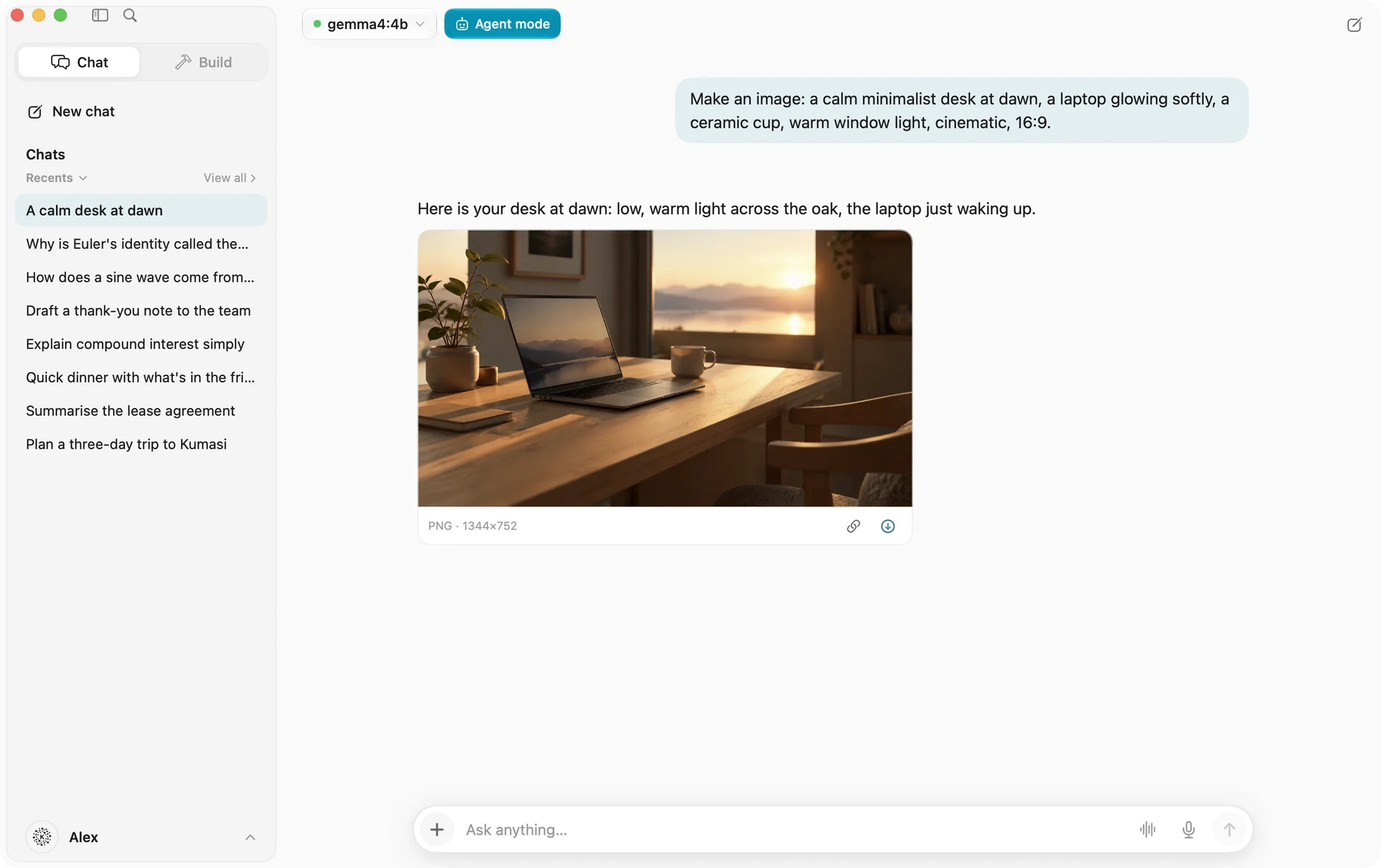
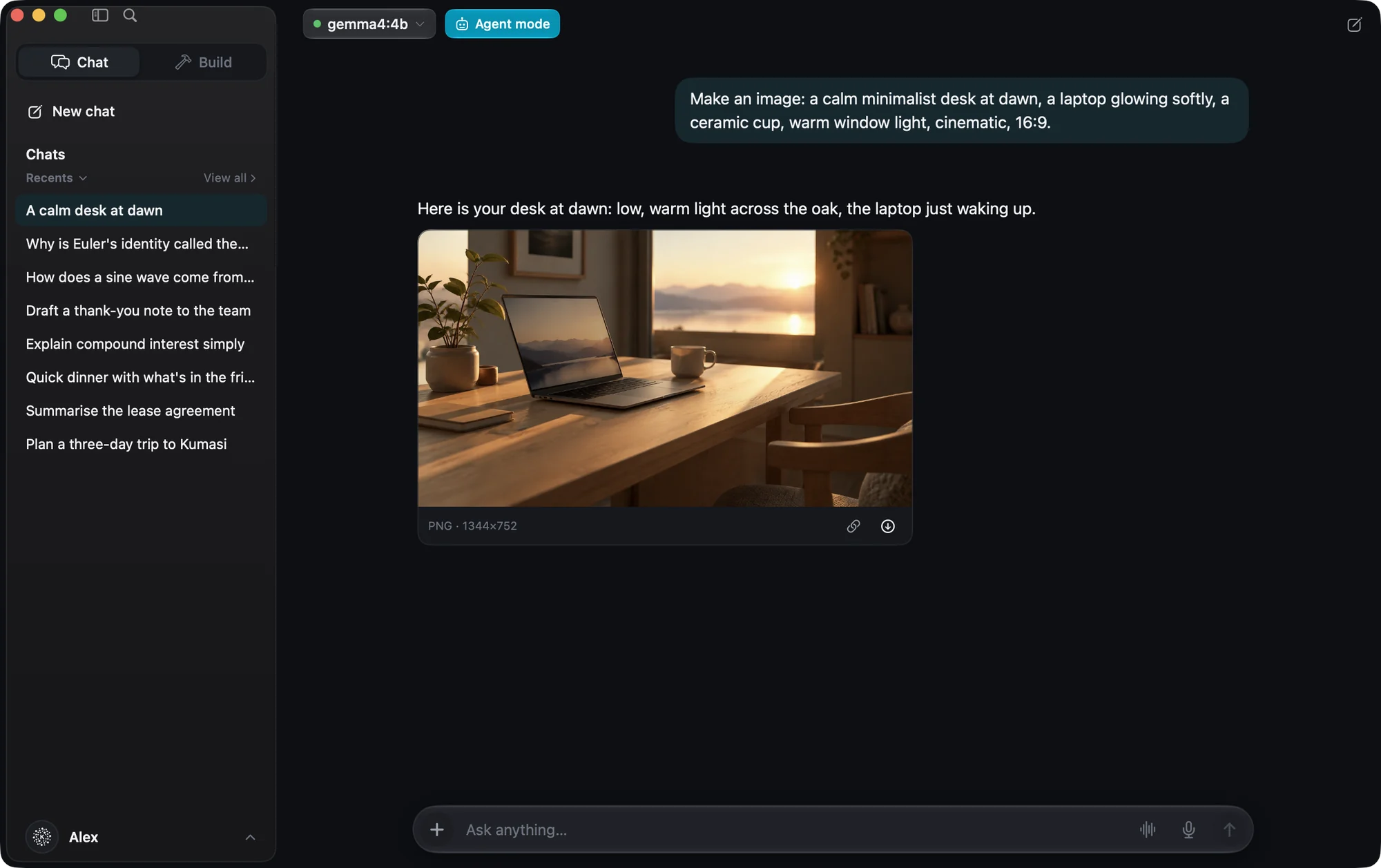
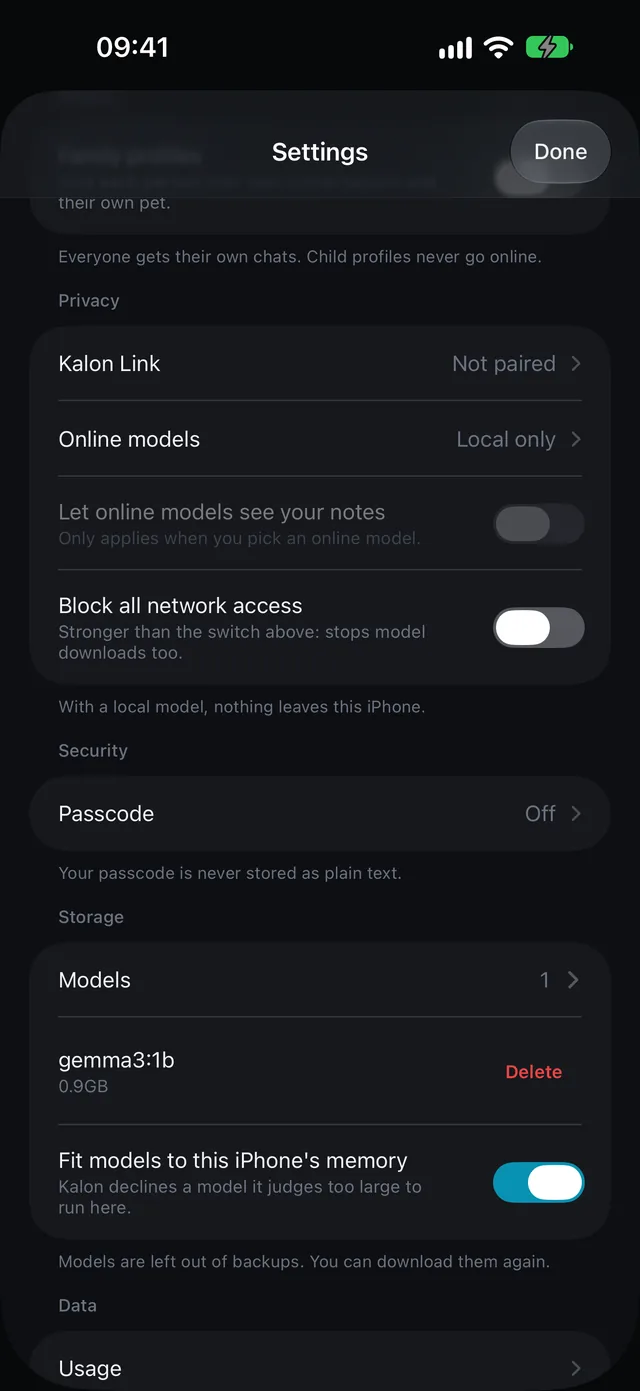
On the Mac, an image from a service you connect. On iPhone, Gemma 3 1B, running on the device.
This reply is streaming from Gemma 4 4B running inside Kalon. Nothing in it needed a connection.
Formulas are typeset and SVG diagrams render in the reply, animations included, in a sandbox that cannot reach the network.
Kalon reads how much memory the device has and fits the model to it. On an M1 Pro with 16 GB it allows up to 11.8 GB.
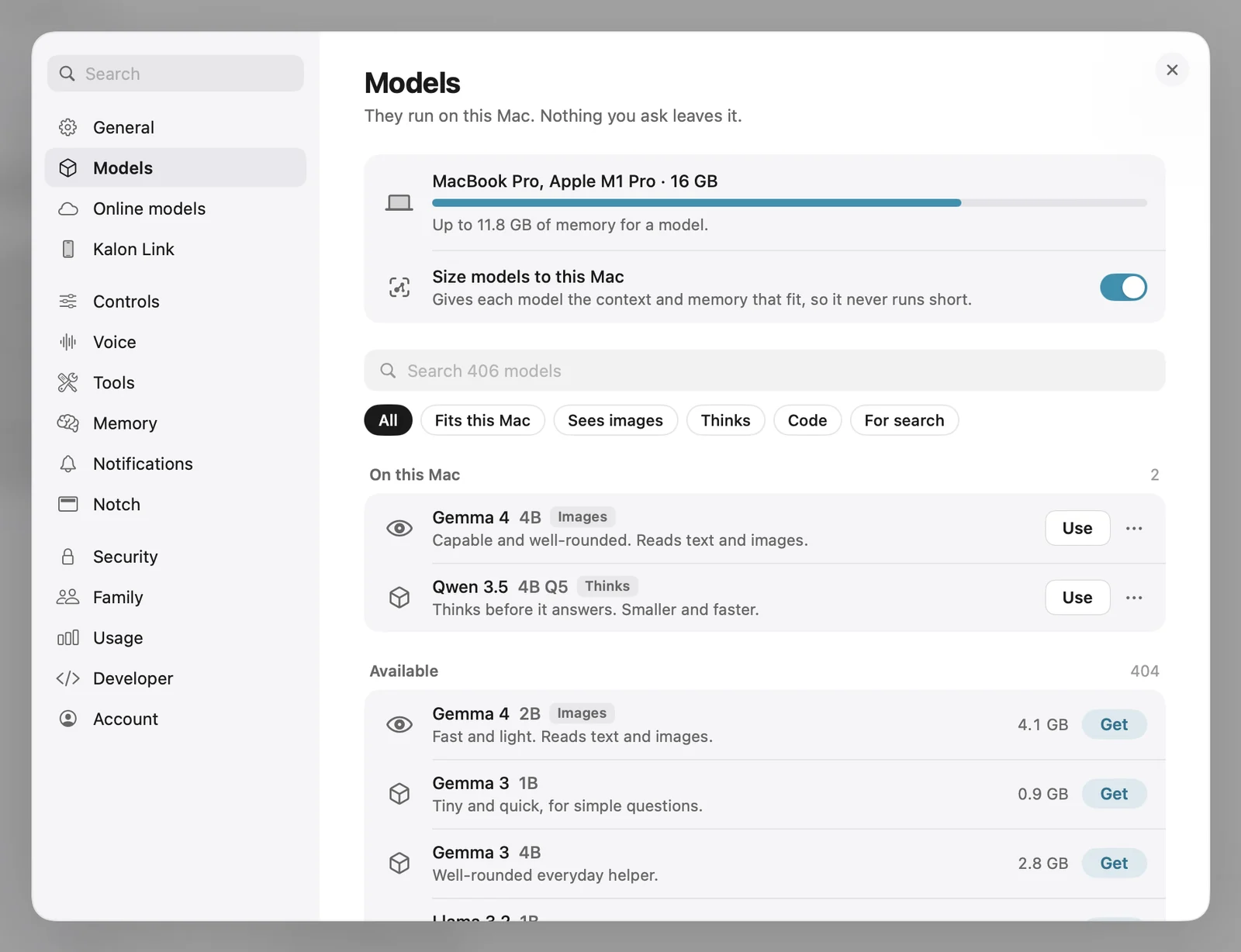
Pick a model and a notice drops from the Dynamic Island. On the Mac, the notch shows the memory it takes.
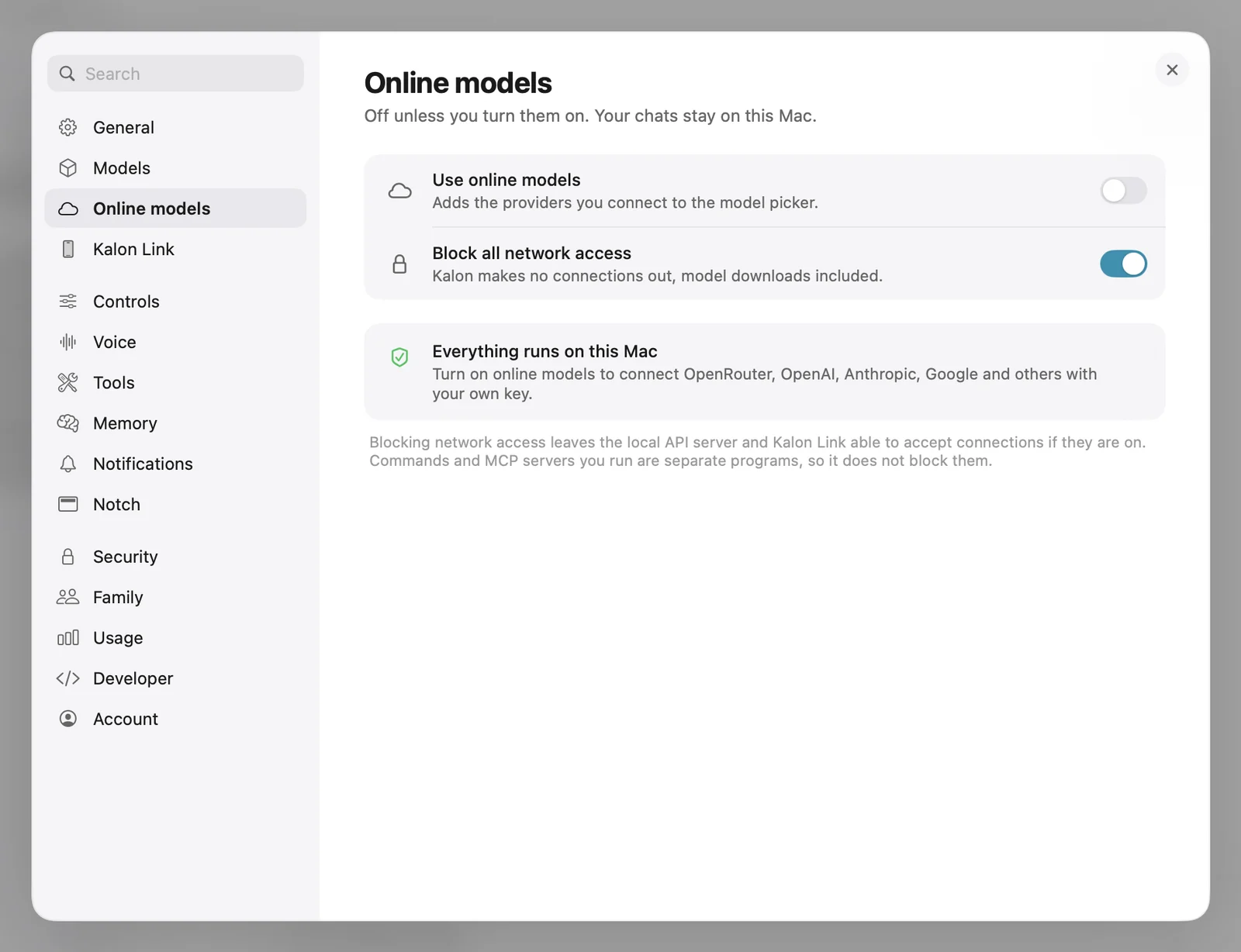
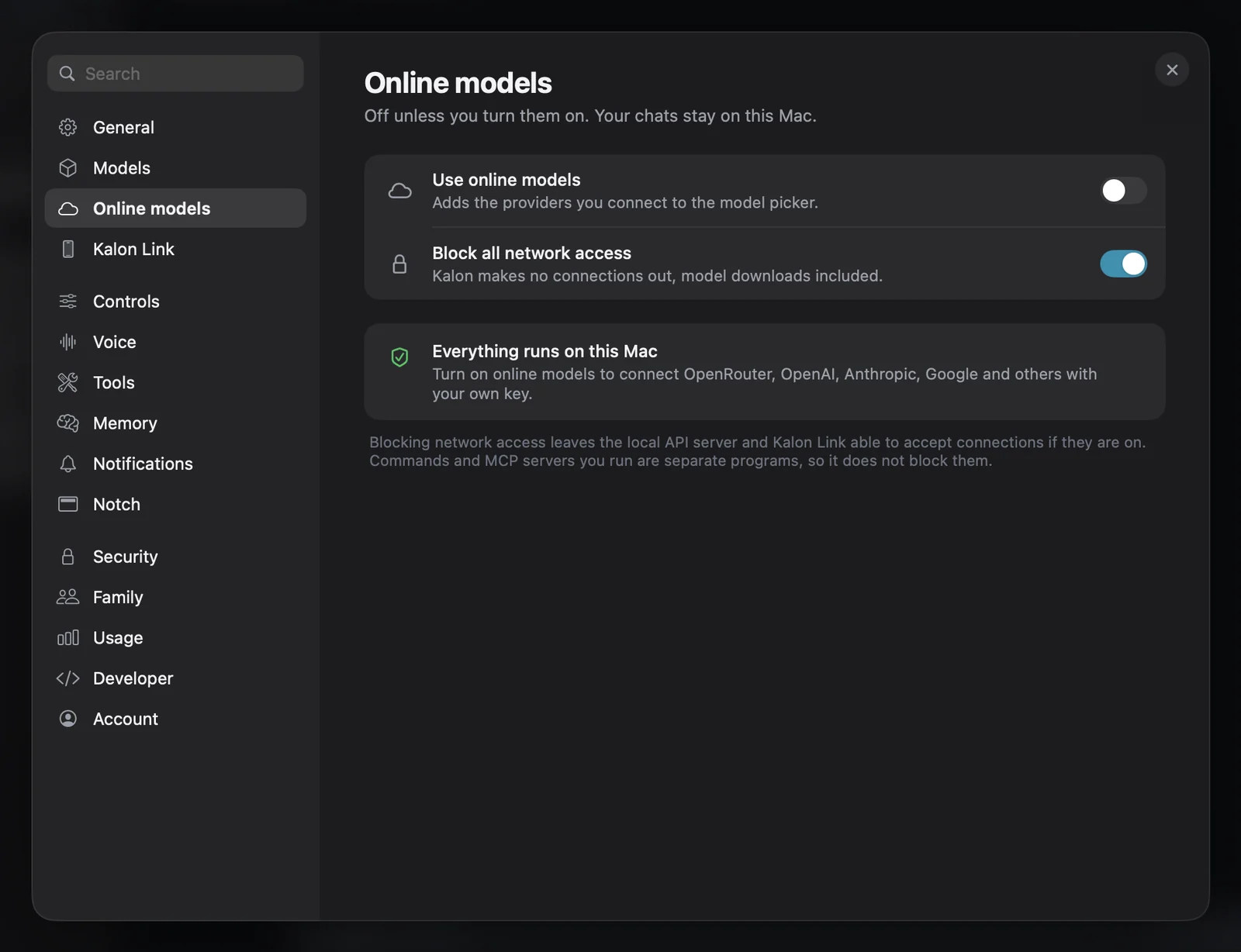
Turn on Block all network access, and Kalon makes no outbound connections, on the Mac and on iPhone.
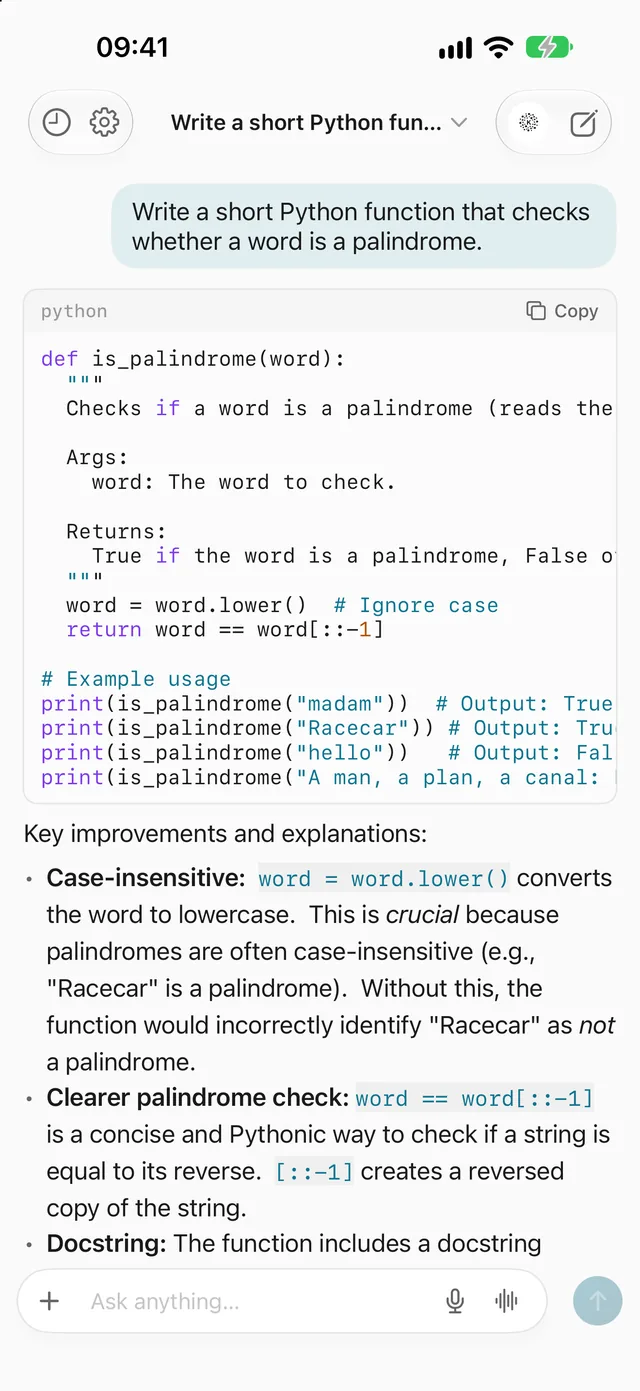
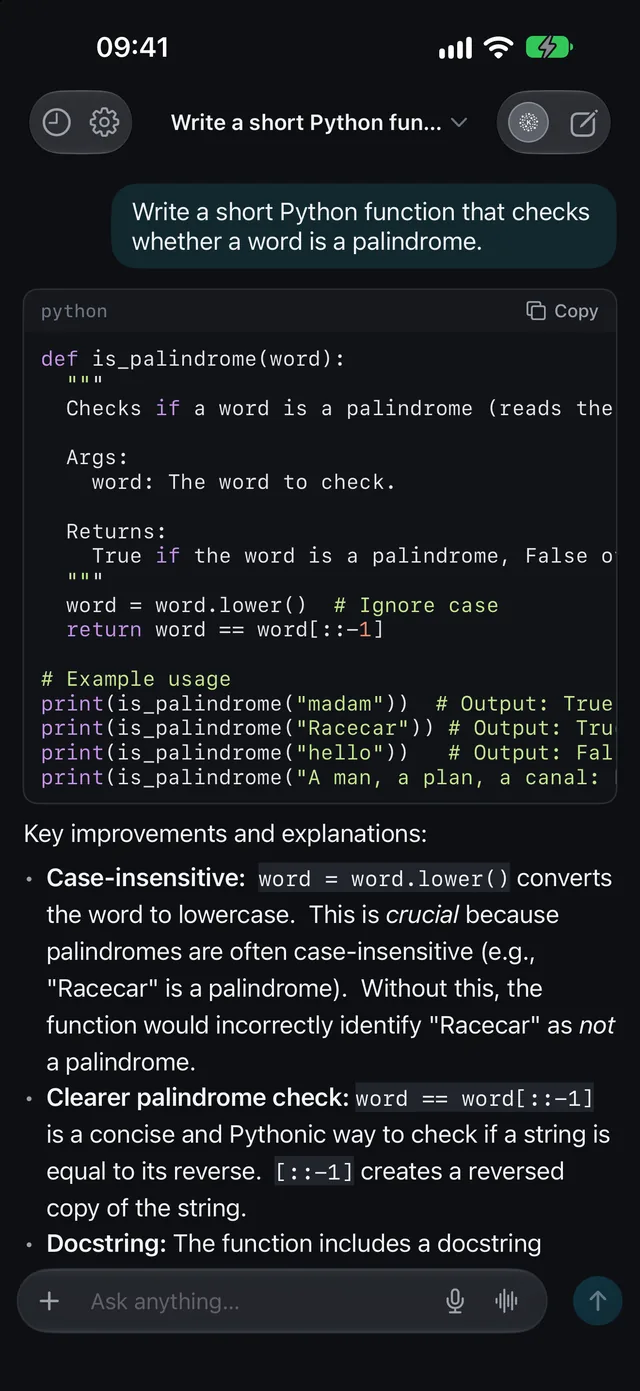
Ask for a function and get it, explained, from a model on the phone in your hand.
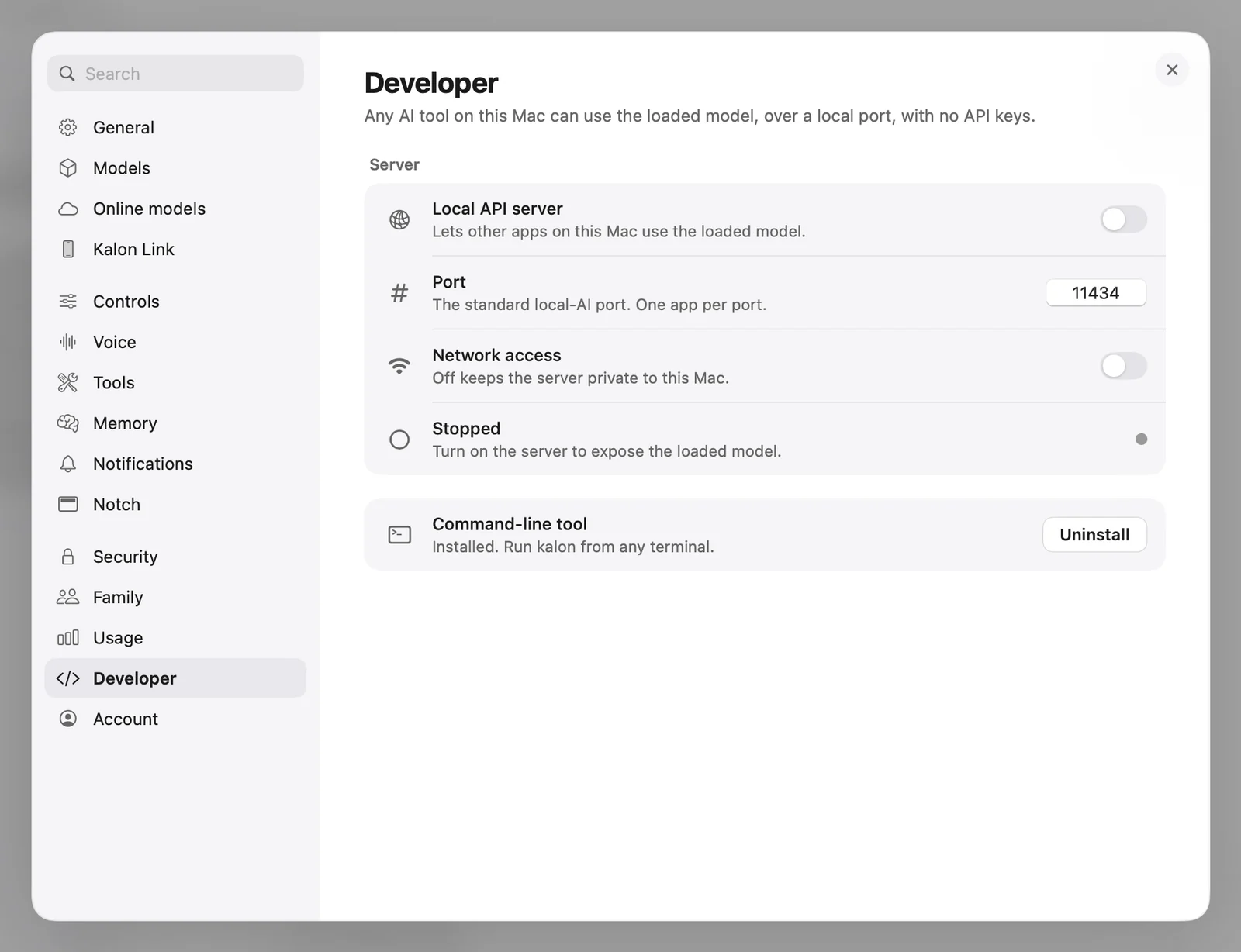
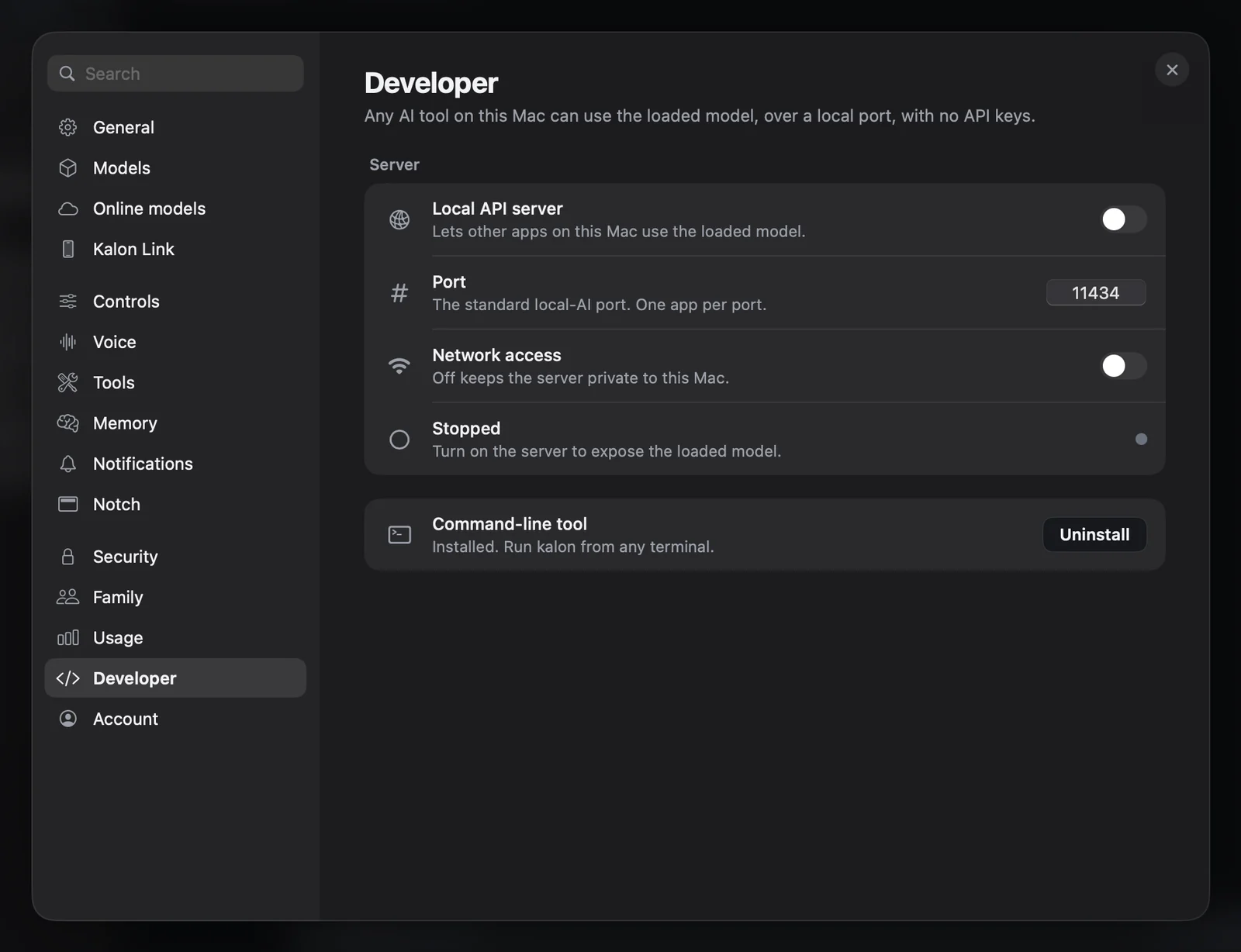
An OpenAI-compatible server on port 11434, stopped until you switch it on.
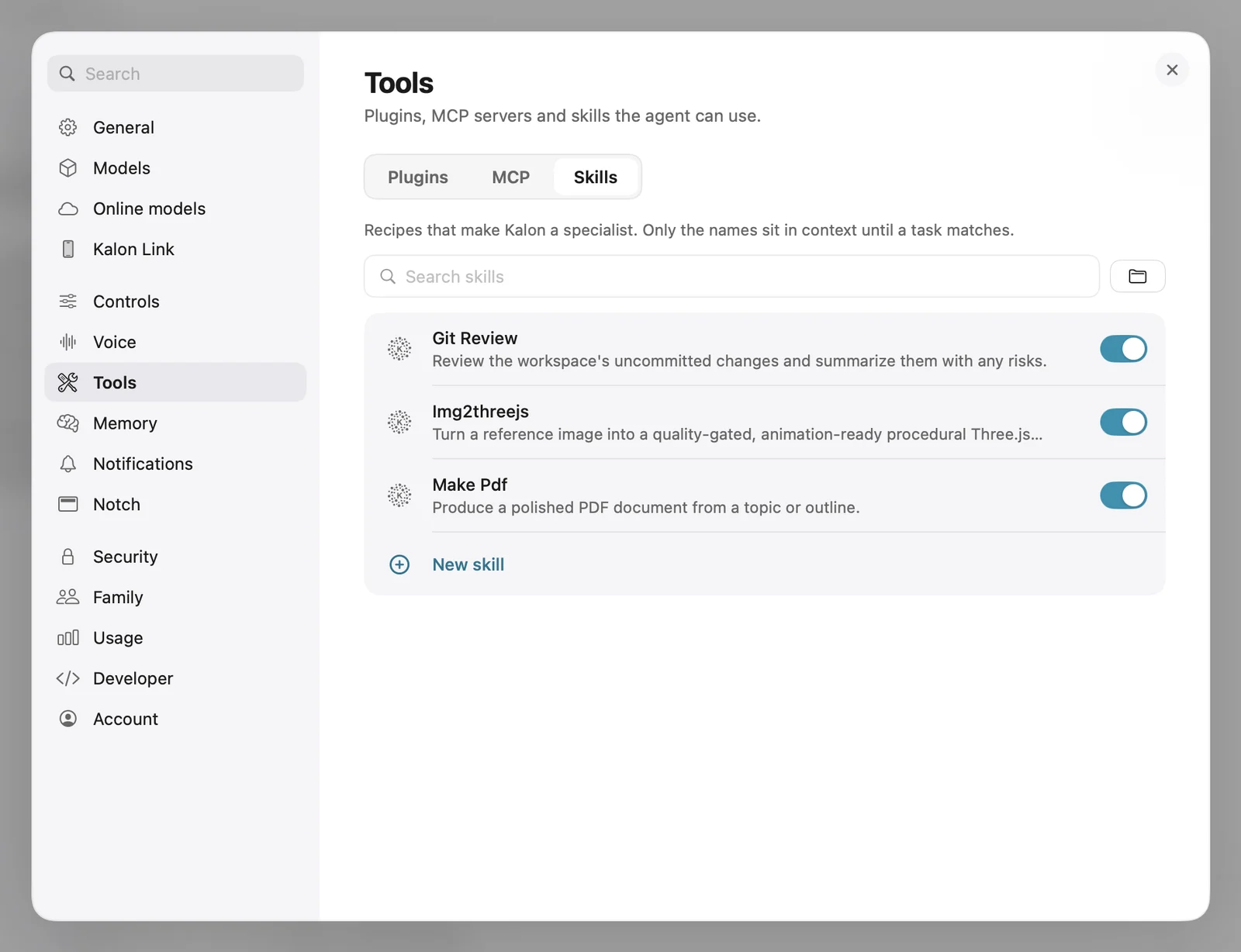
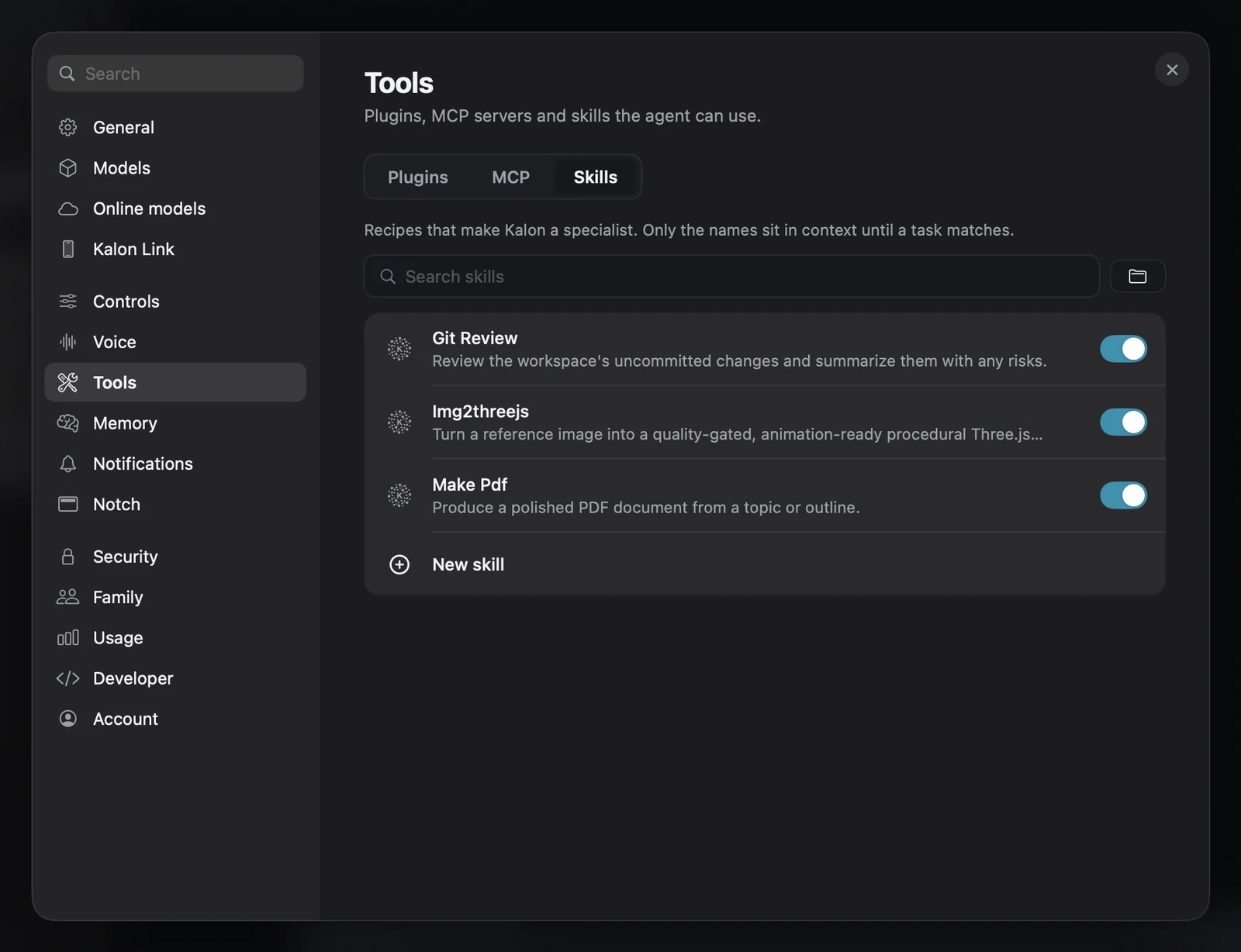
Recipes that make Kalon a specialist. Only their names sit in context until a task needs one.
How it works
The model, your chats, memory and files stay on the Mac or iPhone in front of you.
Why Edge Intelligence
Nearly one-third of humanity, 2.6 billion people, remains offline. Even connected regions face a fragile backbone: over 95% of international traffic rides subsea cables, and cloud reliance remains costly.
Kalon puts the model on the device in your hand. It answers without a round trip, keeps your data where you are, and keeps working when the network doesn't.
Privacy
Conversations, files and memory stay on the hardware you own. Online models stay off until you choose one, and a single switch stops every outbound connection.
Products
No network required for any of them. The long-term goal is one app: Air Kalon folds into Kalon first, AirLink follows.
macOS & iOS
A private, agentic AI that runs entirely on your device.
File transfer
Move files between devices with a screen and a camera. No network at all.
Messaging
Sealed text and voice between nearby devices, with no internet.
Developers
Point anything that speaks the OpenAI API at Kalon, and it answers from the model on your own hardware.
# List the models on this machine
$ curl http://127.0.0.1:11434/v1/models

# Chat with one of them, streamed
$ curl http://127.0.0.1:11434/v1/chat/completions \
    -H "Content-Type: application/json" \
    -d '{
      "model": "qwen2.5:7b",
      "messages": [{"role": "user",
        "content": "Summarise this in one line."}],
      "stream": true
    }'
What people say
“The first assistant I trust with my real documents. They never leave the laptop.”
“No Wi-Fi on the flight, and I still got real work done. The pitch holds.”
“Sent a deck to a colleague's phone with the camera. No cable, no pairing, no cloud.”
“Running MCP tools locally, with no server in the loop, changed how I prototype.”
No. Models, tools, memory, and voice all run on the device. You only need a connection to download a model the first time, or if you choose to add a remote provider.
Private by default, fast without a network, and free for macOS and iPhone.